Out to any engine, rig and all.
An export is what's on screen — the parts worn, fitted and colored, with the playing clip and any you marked — written as one character with its skeleton, skin, materials and animation. Judged by reading it back and by the tools that read it, never by looking at the text.
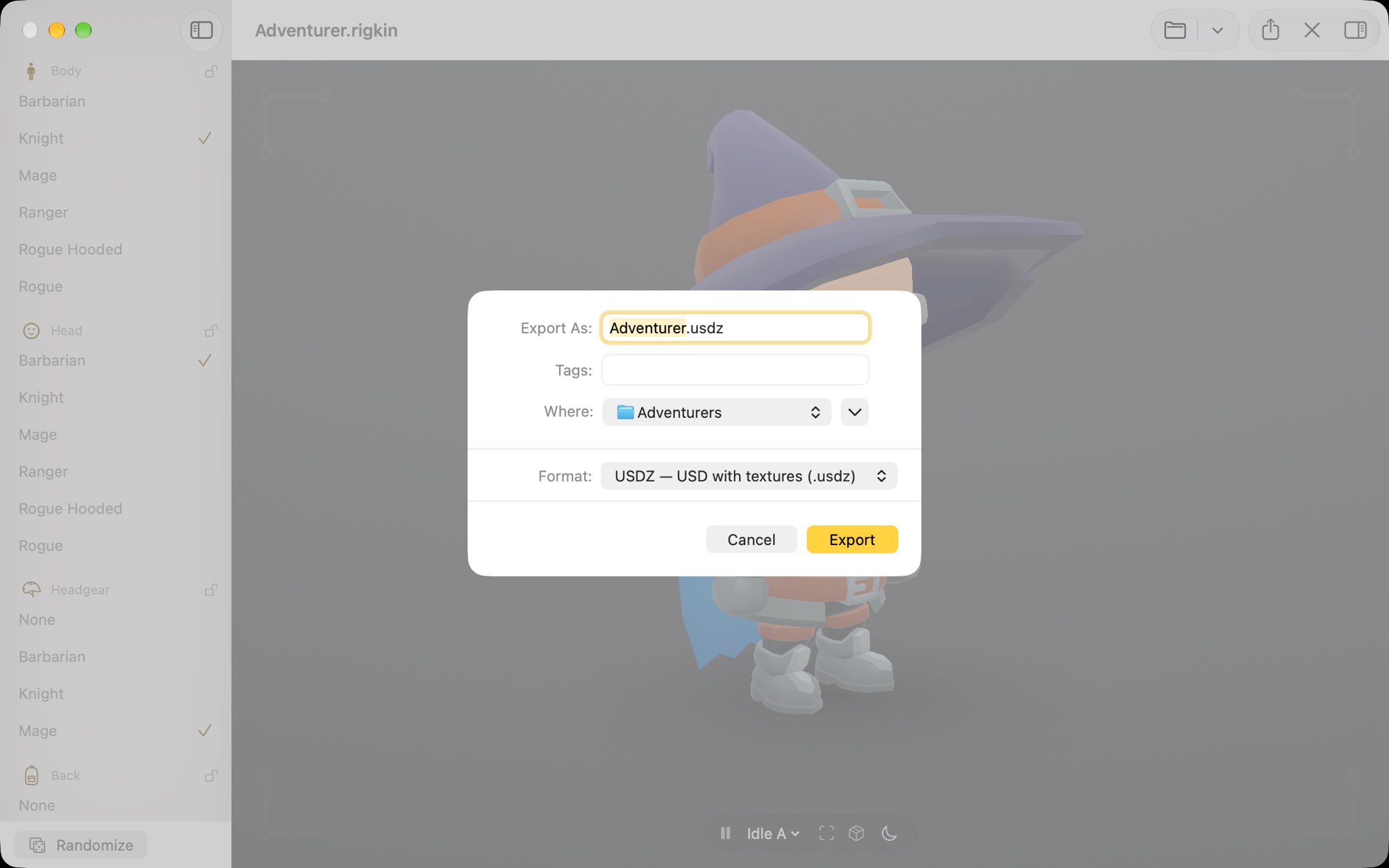
Every format Rigkin reads, it writes.
Choose from the Format menu in the export panel; Rigkin remembers your choice. Faces built with blend shapes keep them, by name, in every format, so a game can animate the face.
USDZ
USD in one file, textures inside. The first choice for Apple's tools, RealityKit and Worldra.
USD
Readable text USD with a real UsdSkel rig — the textures stay out, and Rigkin says so.
glTF
The open standard most engines read, with a KTX2 texture kept as KTX2.
FBX 7.4
Textures embedded, metal as metal — as Blender, Unity and Unreal import it.
Save the project. Your game has the character.
File ▸ Export on Save… chooses a file once; from then on every save of the project writes the character there again, in the format you chose. Rigkin says while it's writing, and waits for the file before it quits.
- Kept on this Mac, never in the project, and it follows a project you rename or move.
- A save that changes nothing writes nothing.
- Stop Exporting on Save ends it.
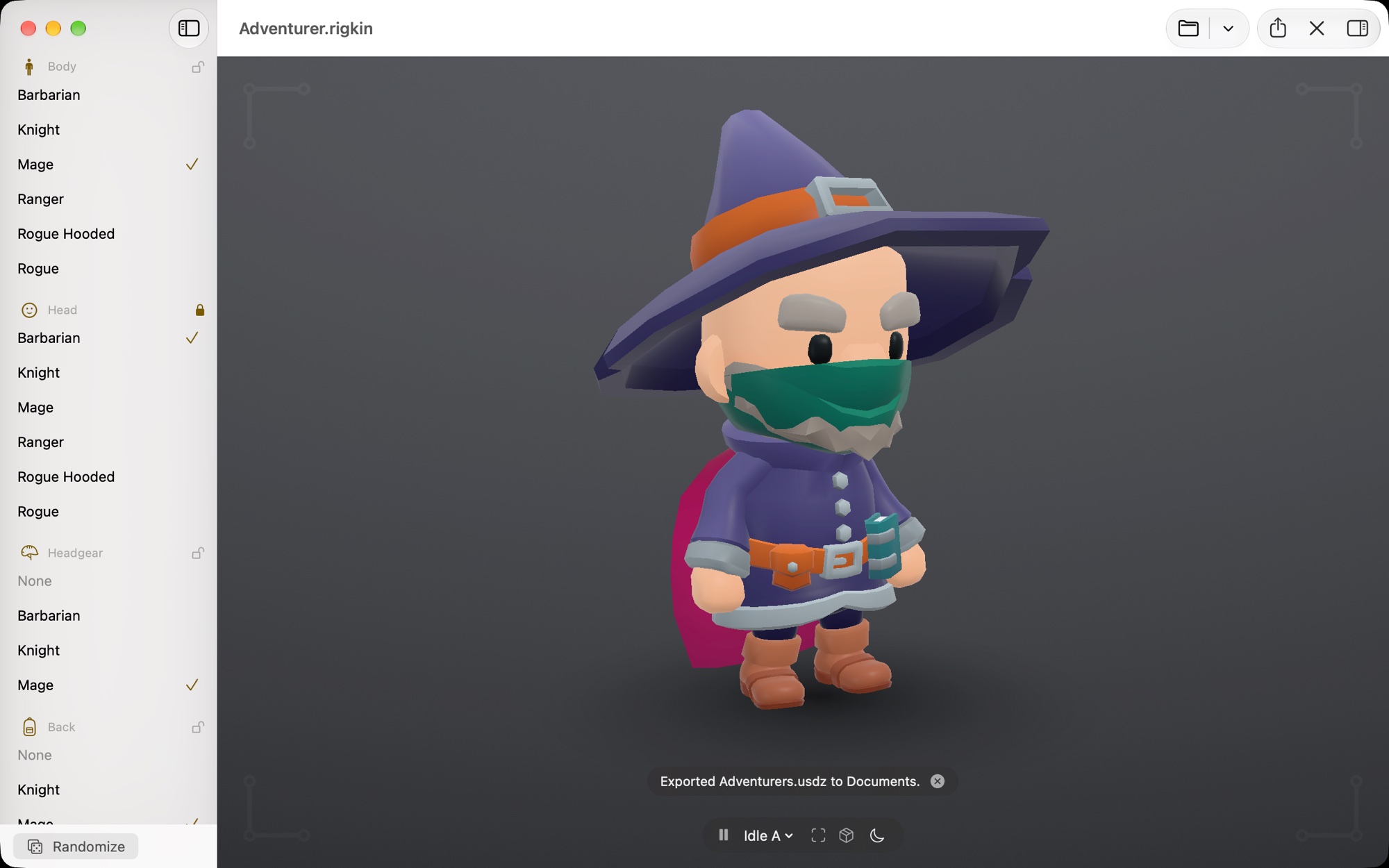
Into a Worldra scene, and back again.
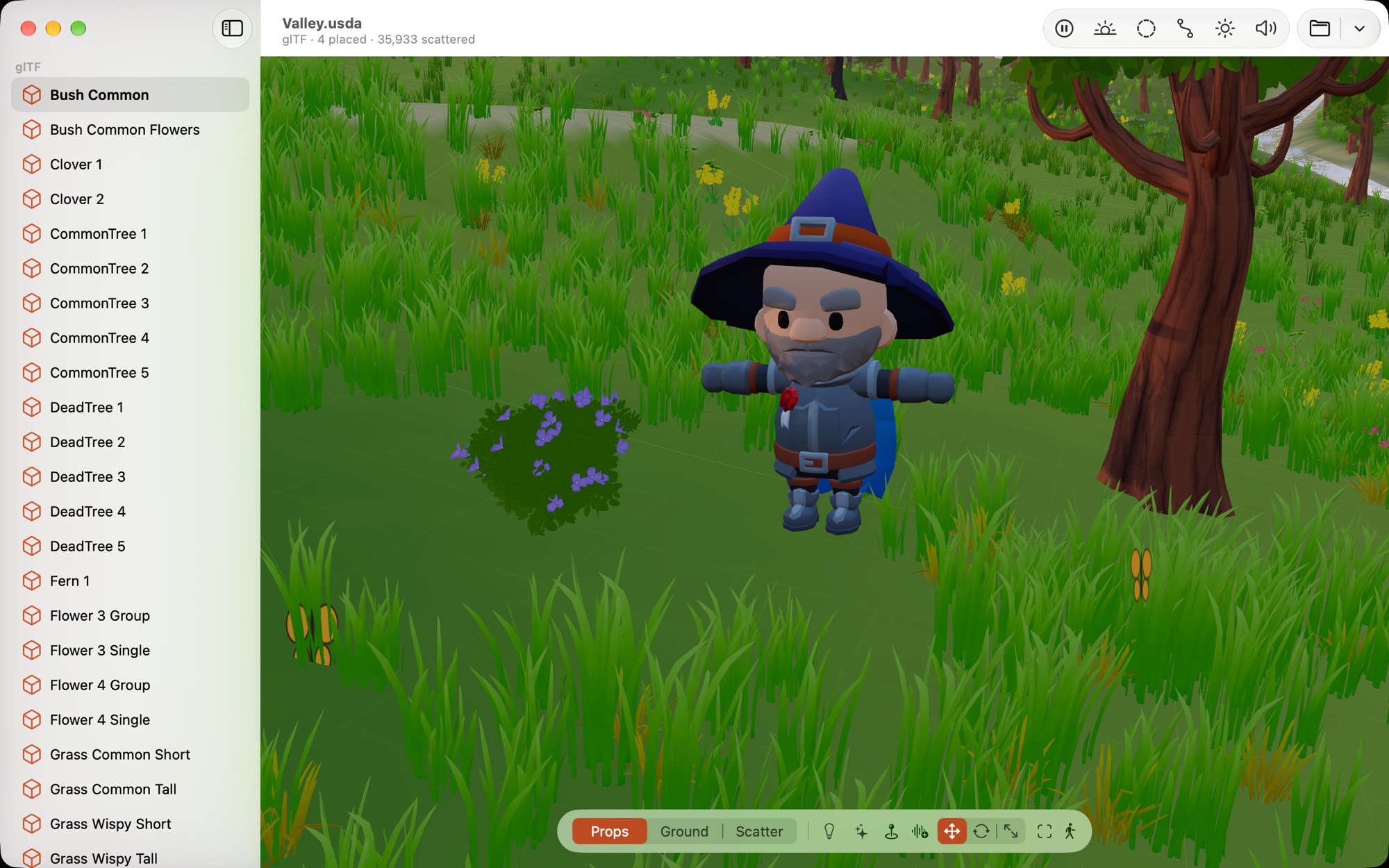
File ▸ Send to Worldra… writes the character and places it in the scene open in Worldra, and turns on Export on Save for it — so every save in Rigkin shows up in the scene a moment later, and in the game Worldra exports it for. Or drag the character out of the view by its handle, into a scene or anywhere.
- A reference, never a copy: the scene names the file Rigkin wrote, as USD references are meant to.
- Edit in Rigkin, in Worldra, opens the project the character came from — even renamed or moved.
However your pipeline takes it.
Drag it out
The box in the view's bar hands over a USDZ of the character, written only when you drop it.
Export Rigkin Character
A project in, its character out, as one file — for a build script or an automation (Pro).
Knows where it came from
The file records its project, so Worldra's Edit in Rigkin finds the way back.
Works with Worldra
Worldra builds the worlds your characters stand in, from anyone's environment packs. Send a character from Rigkin, or drag it in, and every save in Rigkin shows up in the scene a moment later.
Free on the Mac App Store.
Everything you build by hand is free, in every format. Pro makes characters by the dozen.