A part for each slot, then roll the rest.
Click a part in the sidebar to wear it and see it on the rig at once. Mix packs that share a skeleton, lock the slots you've settled on, and let Randomize find the character you hadn't thought of. Every change is one step for ⌘Z, named in the Edit menu.
Body, head, hair, headgear, back — and the rest.
Each part fills a slot, worked out from its name. In a slot that holds one part, a click replaces what was there; hair, headgear and the back offer None, because a helmet you can't take off is a trap. Anything Rigkin can't place is an accessory, and accessories stack.
- Packs built piece by piece — each eye, ear, hand, leg and attachment its own part — fill finer slots, grouped as Head, Upper Body, Lower Body and Accessories.
- Swapping a part never moves the view: the same figure is standing there in different clothes.
- Names read cleanly: words every part in a pack shares are dropped, so a slot lists 01, 02, 03 rather than a vendor's prefix.
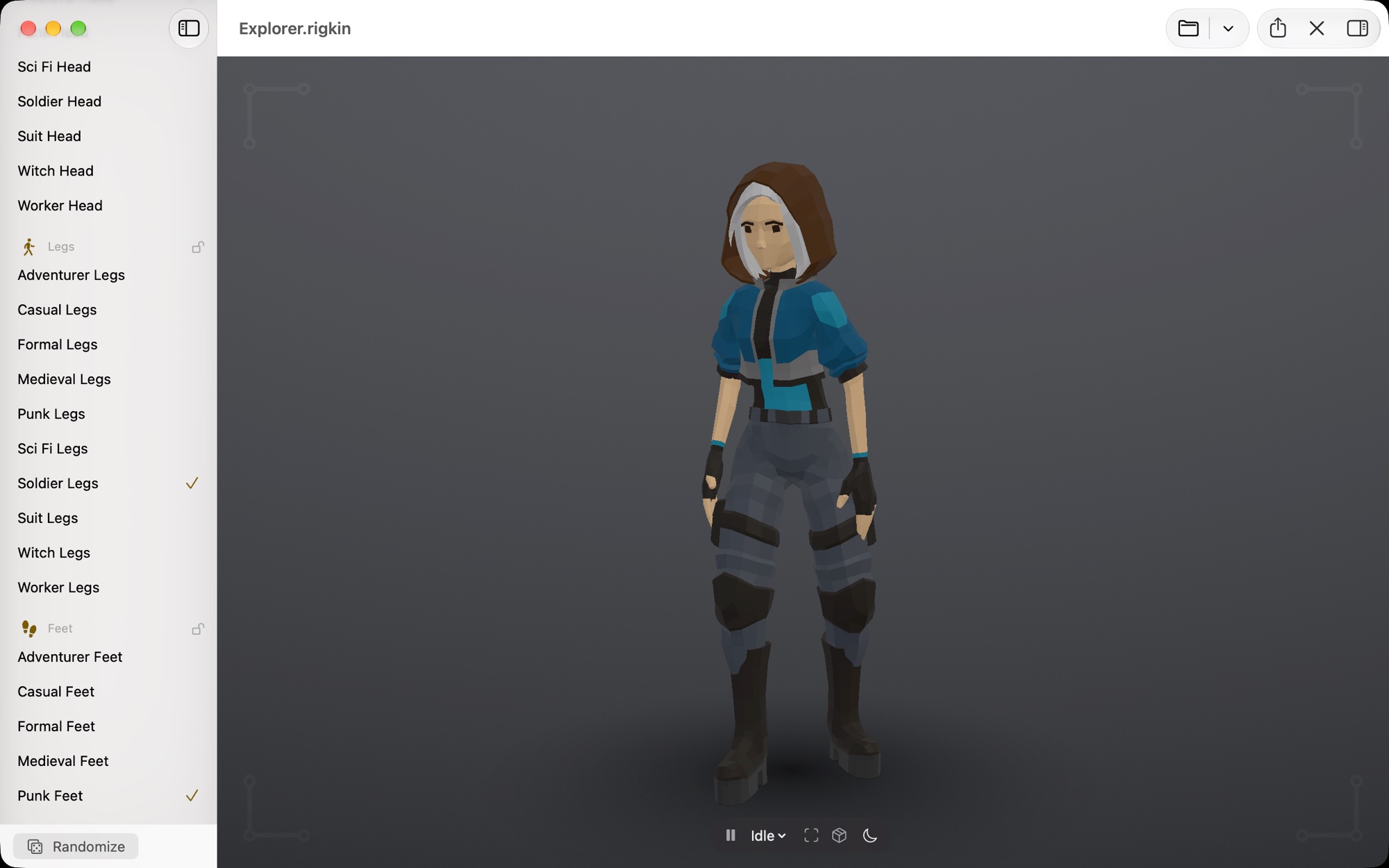
Lock what you like. Roll the rest.
Randomize rolls a new character from whatever parts are loaded — and never hands back the one you're looking at. Lock a slot and it keeps what it wears, None included, while everything else changes. One ⌘Z puts back everything a roll changed.
- Locks are saved with the project, and Pro's variants keep them too.
- The same roll on any Mac: a seed makes a batch repeatable, which is what lets Pro make it again.
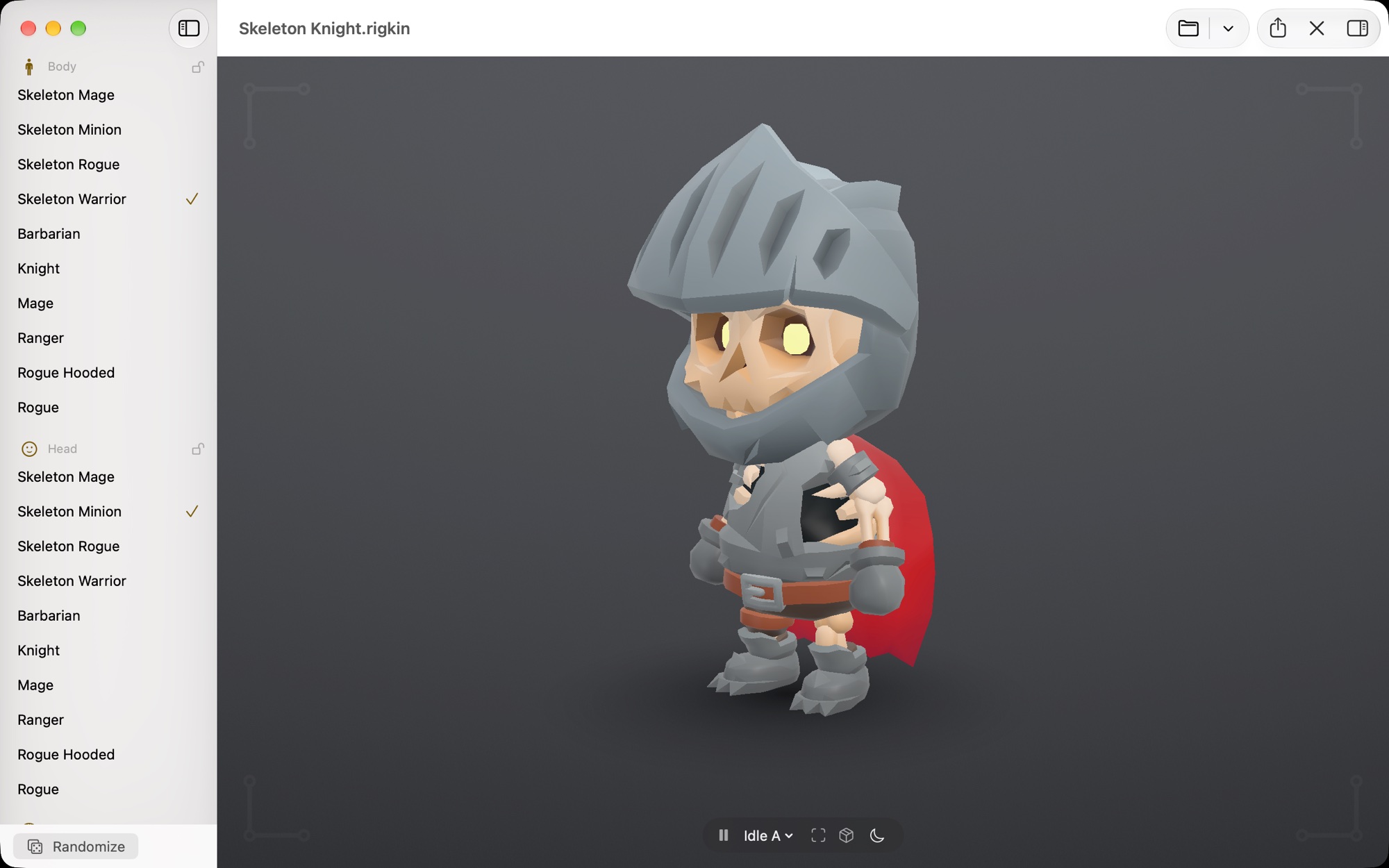
When a pack brings colors and shapes, Rigkin uses them.
Some character-creator packs ship a color map, color presets, body shapes, facial expressions and ready-made characters with their parts. Rigkin reads them all, from the pack's own files.
Presets and color maps
Recolor skin, hair, outfit and metal from the presets made for the packs in your project; an export carries the recolored map.
Build sliders
Body type, muscle and size, with the pack's build presets; attachments move with the body as it changes.
A pack's own characters
Wear one of its designed characters — parts, build and colors — then make it your own.
Faces, previewed
See the pack's expressions on the face, and where the eyes look. Facial shapes leave in every export for your game to animate.
The right underlayer
Parts that need an underlayer for a build get it, and only when they need it.
Materials as made
Base color, metal and roughness, normal, occlusion and emission, drawn the way an engine will draw them.
A project remembers your choices, not copies of the parts.
Save, Open Recent, autosave, versions, Duplicate and Revert work as they do in every Mac app. A .rigkin project holds which parts, locks, colors, fit, clips and view you chose — and a copy of the character, so it shows anywhere.
Every change undoable
Each step is named in the Edit menu — Undo Wear Knight, Undo Lock Head, Undo Move the Camera.
Copies are their own
A duplicated project gets an identity of its own, so variants and Worldra's links tell them apart.
Back in one click
A new window lists your recent projects; one that's gone is taken off when you click it.
Free on the Mac App Store.
Everything you build by hand is free, in every format. Pro makes characters by the dozen.