Build game characters from anyone's parts.
Import a pack of modular character parts from any vendor, in USD, glTF, FBX or a Unity package. Choose a part for each slot, mix packs, randomize, fit helmets over hair, add animation, and export for your game. A Mac app for game developers.
Free · Pro makes characters by the dozen · USD, glTF and FBX
Everything a character needs, in one app.
From a folder of parts to a rigged, animated character your engine reads. Every picture and video on this site was taken in Rigkin, from packs anyone can download.
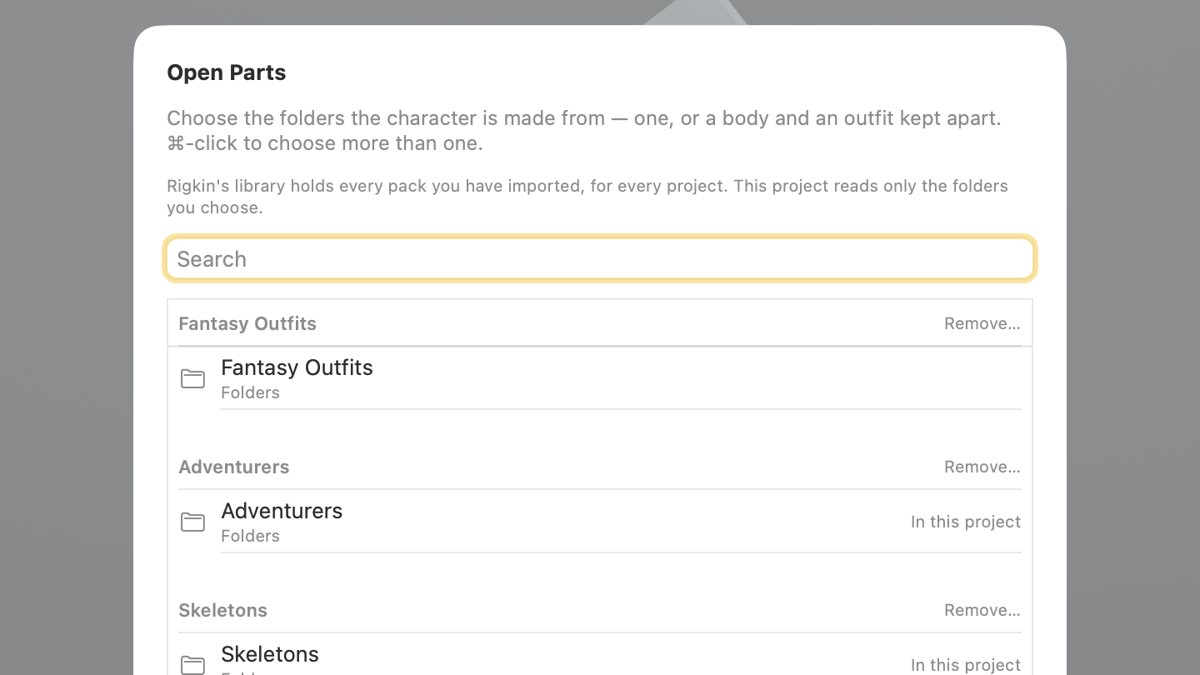
Any vendor's parts
USD, glTF, FBX and Unity packages, imported once into a library, so a project opens anywhere.
Packs & Library →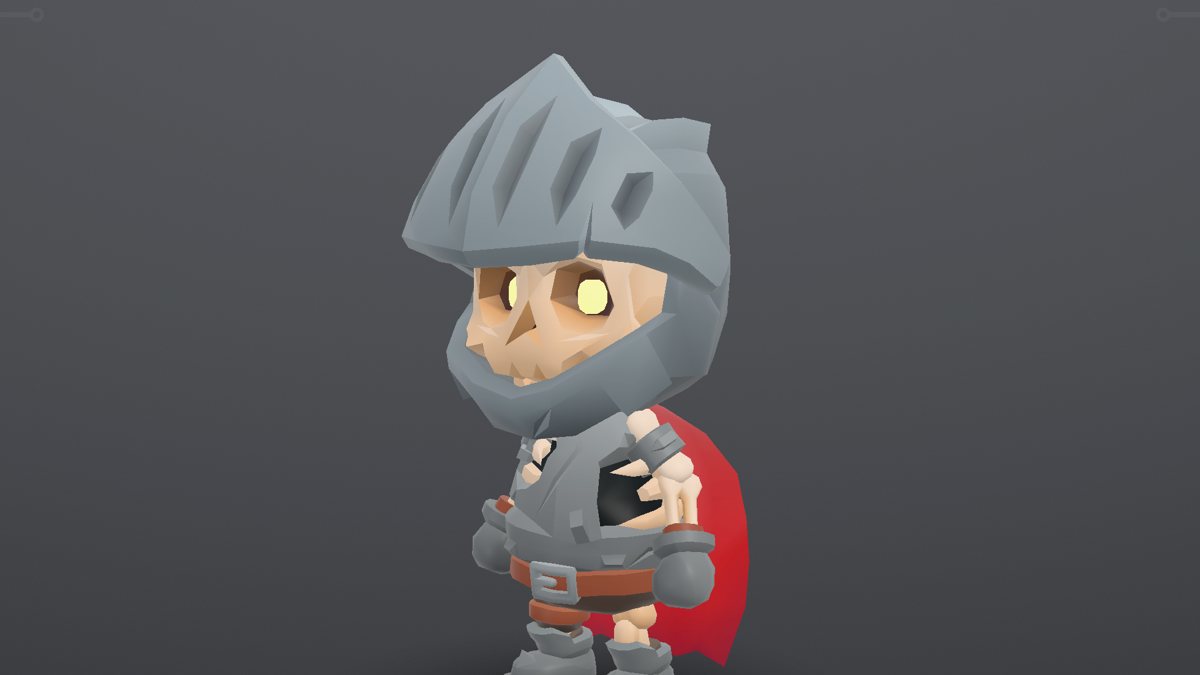
Choose, mix and roll
A part for each slot, from any number of packs. Lock what you like and Randomize the rest.
Build →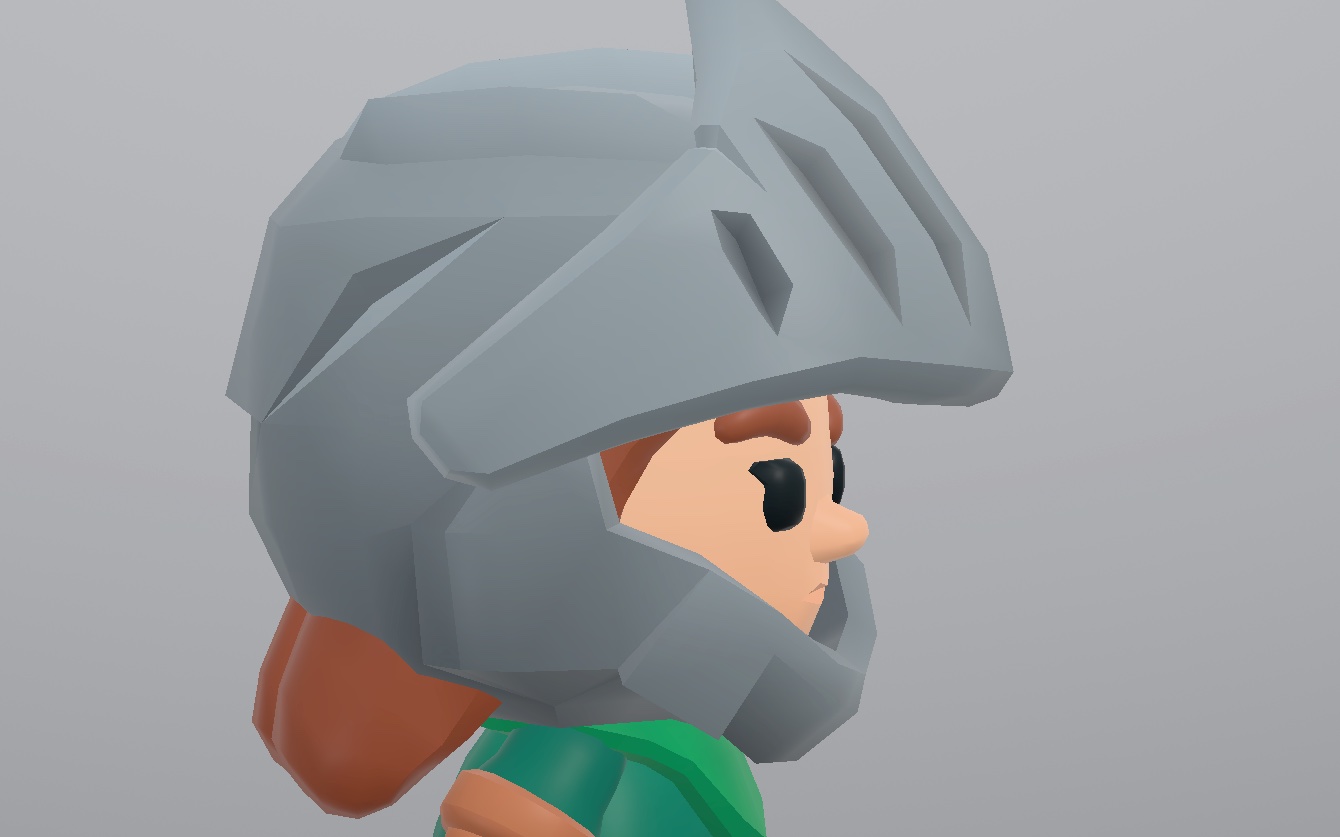
Helmets over any hair
Headgear modeled for a bald head is opened to sit on the hairstyle you chose, all the way round.
Fitting →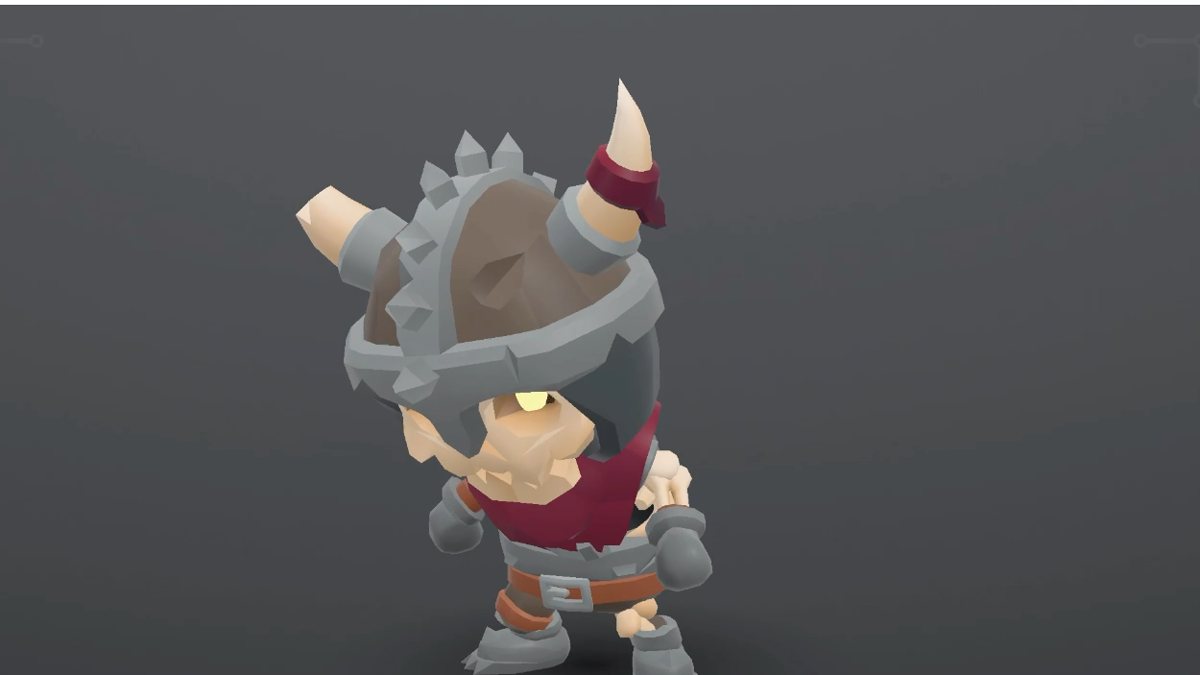
Make it move
A pack's clips, folders of clips, and clips made for another rig, retargeted onto yours.
Animation →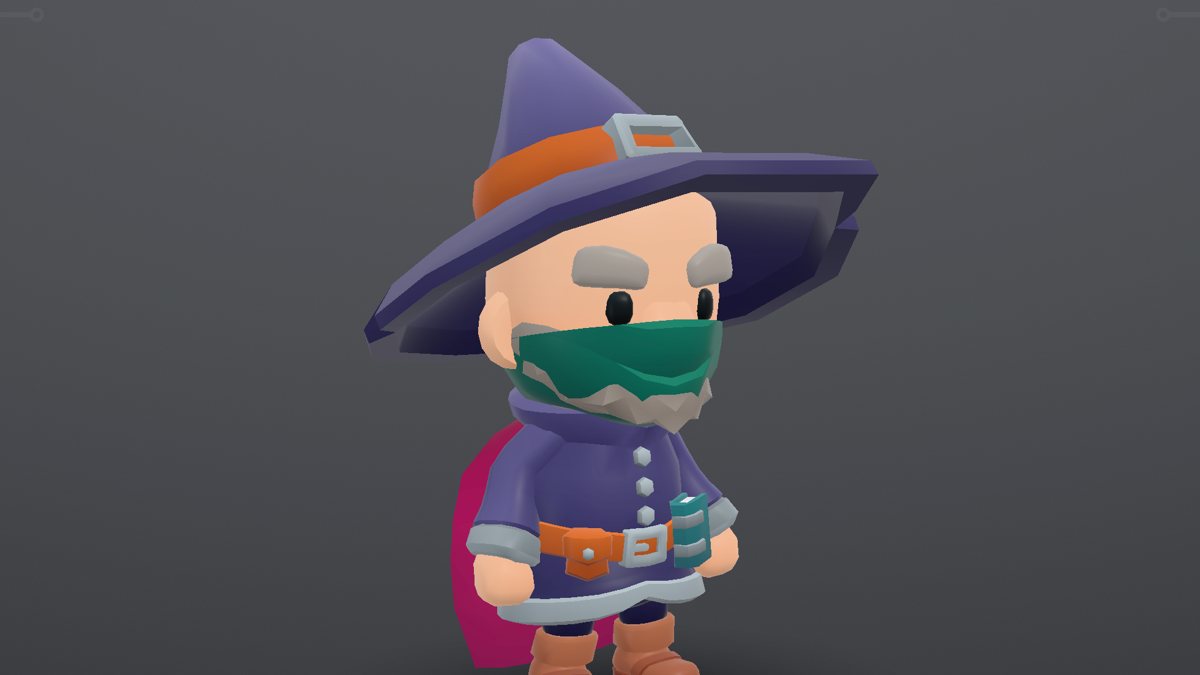
Into your game
USD, USDZ, glTF or FBX with the rig, skin and clips — and written again on every save.
Export & Worldra →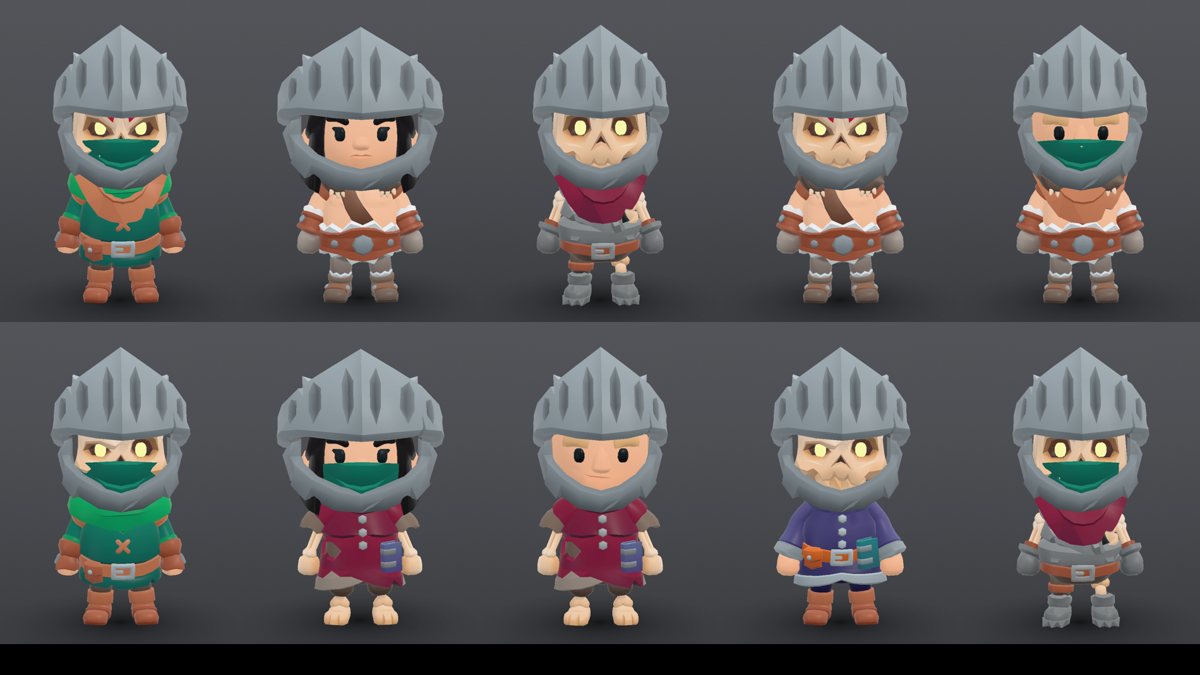
By the dozen
Variants of a character in one run, characters from any project as a recipe, and Shortcuts actions.
Rigkin Pro →Import a pack, build a character, press Save.
Rigkin keeps the choices, not copies of your parts: a project is a small file that remembers which parts, colors, fit and clips you chose, and opens again on any Mac.
Import a pack
A folder of parts or a Unity package goes into Rigkin's library once. Your originals are never changed.
Build the character
Choose a part for each slot, from as many packs as share a rig. Randomize until one looks right, then lock it.
Export on Save
Choose your game's file once. Every save writes the character again — rig, skin, colors and the clips you marked.
Bring parts from anywhere. Take characters anywhere.
Rigkin doesn't care who made your parts or how they arrived — and every format it reads, it writes.
Native to the Mac, read with its skeleton, skin and clips, and written as UsdSkel every engine that reads USD understands.
The open interchange format, with Draco and meshopt compression and KTX2 textures, read and written.
What most character packs still ship, read with Autodesk's own FBX SDK — embedded textures too — and written as FBX 7.4.
A pack's Unity download is read straight from its .unitypackage — Unity doesn't need to be installed. Packs are imported into Rigkin's own library, and your originals are never changed.
Free to build. Pro to scale.
Everything you need to build a character is free. Pro is for studios making them by the dozen — the same line Worldra draws.
Rigkin
- Import packs in USD, glTF and FBX, and Unity packages
- Build, mix, lock and randomize, from any number of packs
- Colors, presets, body build, expressions and eye direction
- Headgear fitted over any hair, and clips from other rigs
- Export in every format, kept current on every save

Rigkin Pro
- Everything in Free
- Make variants of a character in one run
- Generate characters from any project as a recipe
- Shortcuts actions: generate characters, export a project
Bought inside Rigkin, in Settings ▸ Pro — once, for every Mac signed in to your Apple Account.
Works with Worldra
Worldra builds the worlds your characters stand in, from anyone's environment packs. Send a character from Rigkin, or drag it in, and every save in Rigkin shows up in the scene a moment later.